
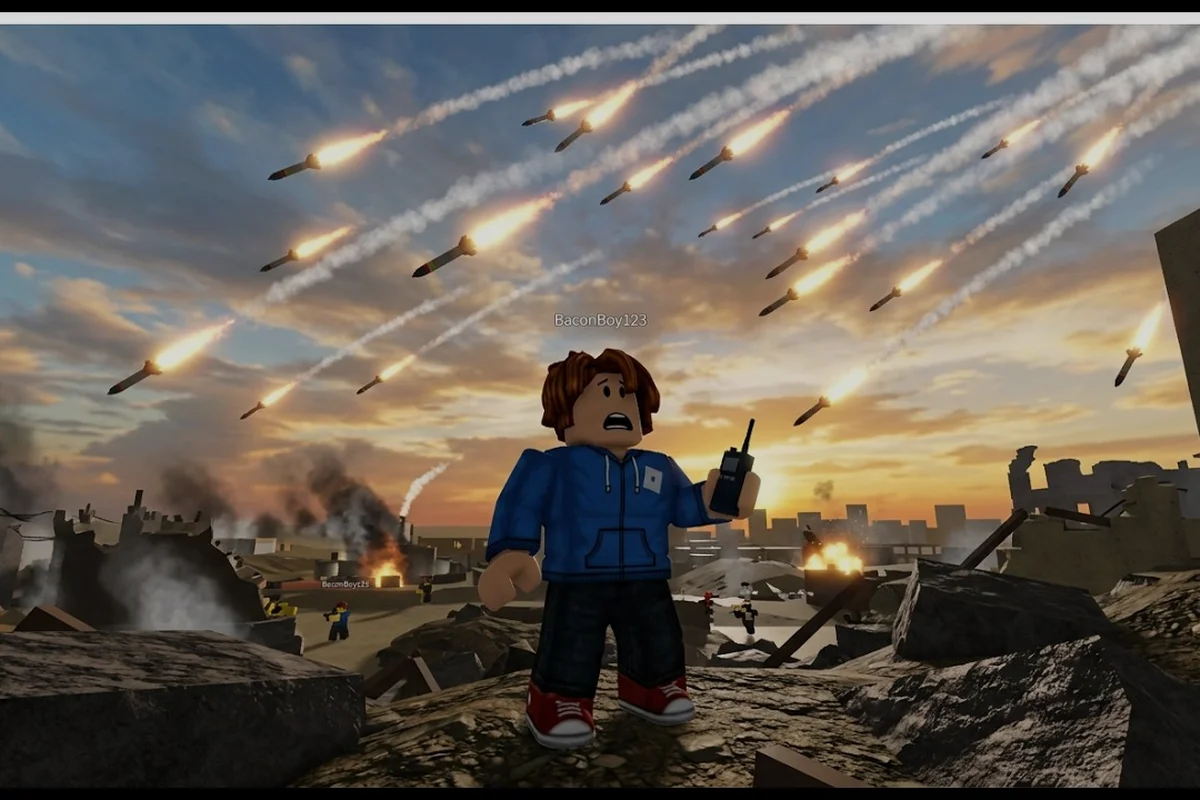
Build and Conquer throws new Roblox players into a V0.1 beta sandbox where city-building collides with a real-time military layer, so questions pile up fast. This FAQ-style guide answers the most-asked newcomer questions about the V0.1 beta loop, covering everything from starter housing placement to first-missile unlocks and basic troop deployment. The goal is to cut the trial-and-error phase down to a single sitting.
Getting Started: The First 30 Minutes in V0.1 Beta
The most common new-player question is also the broadest: where do I actually begin? Build and Conquer's V0.1 beta loop is short enough to learn in a single session, but the order of operations matters more than the speed of clicks. New players who place housing before roads end up with idle citizens, while players who build roads before utilities watch their population stagnate. The sweet spot, according to community data verified on 2026-10-11, sits at five well-ordered steps that open the military tree without starving the economy.
The early game in V0.1 beta rewards a deliberate cadence. Place starter housing, connect the three utility networks, hit the population threshold that unlocks the military tab, stockpile revenue through commercial zoning, and only then commit to a military base. Skipping any of those steps tends to create a city that looks developed but cannot produce troops, defend itself, or generate the income needed to fund a counter-attack.
Mid-Rise Starter Blocks for the 250 Push
Mid-rise apartments are the go-to starter structure because they pack a high citizen yield into a small footprint. According to creator-verified community data from October 2026, placing two to three mid-rise apartment blocks within range of a single road tile is the fastest way to push your population toward the 250-citizen city level 2 threshold. Anything denser tends to clog traffic, while anything sparser leaves growth on the table.
-
Place mid-rise apartments near a single road node to keep pathing simple
-
Avoid mixing apartment types during the first hour; uniformity speeds growth
-
Resist the temptation to zone commercial buildings before hitting 250 citizens
-
Demolish any structure that overlaps a future utility line to save on refunds later
Utility Connections That Actually Work
The three utility networks — roads, water, and power — need to reach every residential tile before the city starts humming. Community testing on the V0.1 beta branch suggests that water coverage is the most commonly forgotten layer because the water overlay is subtle, and players who skip it see their population cap stall well below 250. Roads are the visible spine of the system, but water and power are the invisible multipliers that turn a cluster of buildings into a functioning settlement.
| Utility | Placement Priority | Common Mistake |
|---|---|---|
| Roads | Connect housing clusters first | Building roads past empty tiles |
| Water | Run along the same axis as roads | Leaving water under future commercial blocks |
| Power | Place a plant per 8-10 housing units | Overloading a single plant until brownouts hit |
What Opens the Military Tab at 250 Citizens
Once the population hits 250, the military tab opens and the second half of the V0.1 beta loop begins. This is the moment most new players feel lost, because the military tree in Build and Conquer is gated by both population and cash reserves. You cannot unlock a missile system without first owning a military base, and you cannot build a military base without roughly 3,000 in starting capital, according to community-reported figures from late September 2026.
The cleanest path is to keep building commercial revenue for an extra five to ten minutes after hitting 250 citizens, then drop the military base as soon as the cash threshold is reached. Premature base placement tends to drain the city budget and force a defensive pause right when offensive options should be opening up.
Military Base Placement Rules
Where you drop the military base matters because its footprint blocks future zoning. Community veterans consistently recommend placing it on the city's edge, adjacent to a road but separated from the residential core. That layout keeps the base reachable for supply trucks while leaving room for tunnels, drone pads, and missile silos in later phases of the V0.1 beta progression.
A solid rule of thumb is to leave at least four empty tiles between the military base and the nearest apartment block. That buffer prevents noise-related debuffs in future patches and gives you room to expand the base without demolishing housing. The full missile unlock order is detailed in the missile guide, which walks through every silo tier and the prerequisites for ballistic, cruise, and nuclear payloads.
How to Deploy Troops in V0.1 Beta
Deploying troops is the single most-asked question after the military tab unlocks, and the answer depends entirely on which unit type you are fielding. Infantry deploys directly from the military base, vehicles roll out along road tiles, and special units like drones require their own pads. The V0.1 beta does not yet support simultaneous multi-unit deployment, so each push is a single formation rather than a combined-arms assault.
New players often waste their first deployment by sending troops into neutral territory with no support. The better play, based on player reports from October 2026, is to scout the target with a single drone first, confirm the route, and then commit the main force. For a deep dive on unit composition, drone deployment, and tunnel-based assaults, the drone and army guide covers the specifics in detail.
Deployment Modes at a Glance
| Unit Type | Deployment Method | Range | Support Needed |
|---|---|---|---|
| Infantry | Direct base dispatch | Short | None |
| Vehicles | Road tile roll-out | Medium | Connected road network |
| Drones | Drone pad launch | Long | Active pad + power |
| Missiles | Silo launch | Map-wide | Charged silo |
Protecting Your Cities From Early Raids
City defense is the most under-discussed topic in V0.1 beta, and it is also the one that decides whether your progress survives the first PvP encounter. According to community data, most early raids target the commercial district because it is the easiest tile to cripple and the fastest to rebuild from the attacker's perspective. Defending that district requires layered coverage: a patrol loop, a missile silo on standby, and a road network that allows reinforcements to arrive within the raid window.
The simplest defensive layout in V0.1 beta uses a single missile silo covering the commercial zone, two patrol routes on opposite sides of the base, and a fallback tunnel to a secondary city. The tunnel layer is what separates a one-push defense from a resilient city, and players who skip it tend to lose everything on the second raid. The mechanics of tunnel placement and the basics of layering research unlocks are covered in the first-city planning guide, which complements the defensive overview here.
Silo-First Missile Defense Sequence
-
Step 1: Build a missile silo adjacent to the commercial district
-
Step 2: Assign patrol units to the two road tiles facing the most likely attack vector
-
Step 3: Construct a tunnel connecting the military base to a fallback city
-
Step 4: Stockpile at least two missile reloads before declaring the city defended
-
Step 5: Monitor patrol attrition weekly and replace lost units from the active reserve
Strategy Basics: Cash, Workers, and the V0.1 Beta Economy
The economy is the silent backbone of every successful V0.1 beta run, and it is also the layer new players understand least. Cash flow in Build and Conquer comes from three sources: residential taxes, commercial revenue, and rare windfall events. Residential taxes are steady but small, commercial revenue scales with population, and windfall events can fund a military push if you are ready to capture them when they appear. Players who ignore the commercial layer tend to stall at the missile unlock because their income cannot cover the silo cost.
Workers are the second economy layer and the one most new players overlook entirely. Without enough workers assigned to the commercial district, the buildings produce revenue at a fraction of their potential output, which means even a well-zoned city can run a deficit during a military expansion phase. The full breakdown of worker ratios, production chains, and the math behind a balanced early-game economy is in the workers and production guide, which fits naturally alongside the V0.1 beta basics covered here.
Income Sources Compared
| Source | Stability | Scalability | Best Use |
|---|---|---|---|
| Residential taxes | High | Low | Steady baseline |
| Commercial revenue | Medium | High | Military funding |
| Windfall events | Low | Variable | One-time pushes |
| Worker efficiency | Hidden | High | Multiplier on all of the above |
Frequently Asked Questions
What is the fastest way to get started in Build and Conquer?
Place two to three mid-rise apartments near a single road tile, connect water and power to every residential block, and push toward 250 citizens to unlock the military tab. This sequence, verified by community footage on 2026-10-11, opens the full V0.1 beta loop in roughly 20 minutes.
How do I deploy troops for the first time?
Open the military tab, select the military base, and choose either direct dispatch for infantry or road roll-out for vehicles. Scout with a single drone first, confirm the route, and then commit the main force to avoid wasting your initial deployment window.
What is the best way to protect a city from raids?
Layer a missile silo over the commercial district, run two patrol routes on the most exposed road tiles, and build a tunnel to a fallback city before the second raid hits. Stockpiling at least two missile reloads is the community-recommended baseline for a defended city.
Can I skip the commercial district and still win?
Not in V0.1 beta. The military tree requires a cash threshold that residential taxes alone cannot reach, so commercial zoning is mandatory. Skipping it stalls missile unlocks and leaves the city unable to fund defensive patrols.
How does the V0.1 beta differ from the planned full release?
The V0.1 beta is a limited slice focused on the city-to-military transition, with a smaller tech tree and a single match type. The full release will expand the research tree, add multi-city campaigns, and rework the worker economy, but the early-game loop covered here is expected to remain the foundation.